Wedding
Botanical Vow
Watercolour greenery grows around a clean ivory card. Quiet, modern and very green.

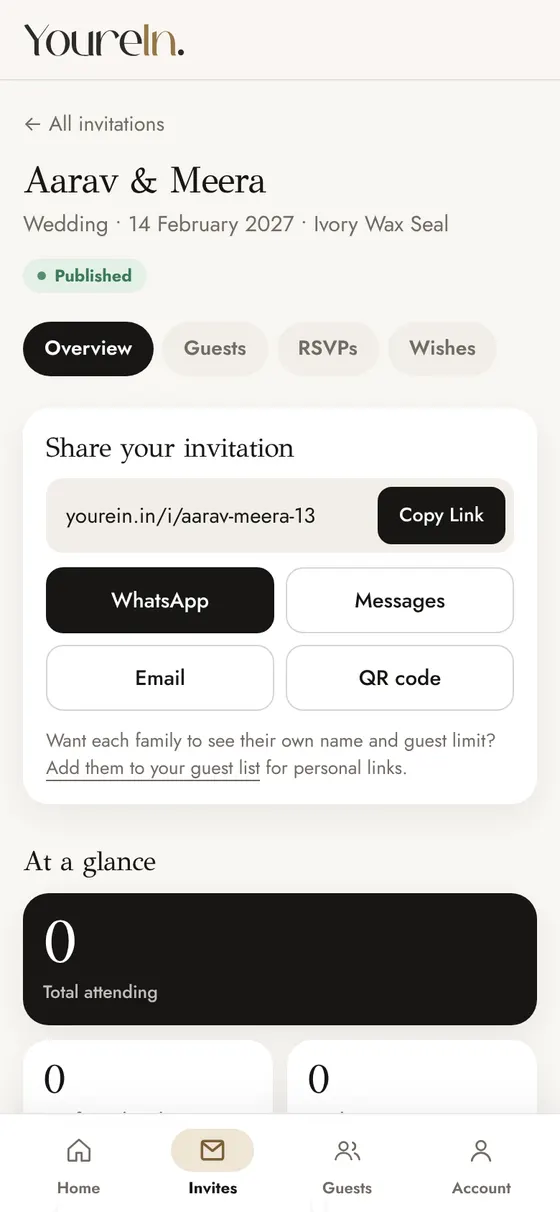
A QR code takes guests straight to the invitation, with no typing. Use it on a printed card, a poster at the venue or a WhatsApp image.
Tap Preview to open any design with sample names. Customizing is free; every design is the same price.
Wedding
Watercolour greenery grows around a clean ivory card. Quiet, modern and very green.
Wedding / Anniversary
White orchids behind a sheet of translucent vellum that lifts away as you open it.
Wedding / Engagement
A blossom branch reaches across cream paper while a few pink petals drift down.
In the guest list each family has a QR code for their personal link.
Download a phone-sized picture of your invitation with a QR code, to share as an image.
Add the code to a printed card so older relatives can open the animated invitation too.
Most guests will open the link from WhatsApp. A QR code is for everything else.
The code for a family's personal link opens their own invitation and ties their reply to them. Read more on guest tracking.