Wedding / Nikah
Celestial Veil
A sheer veil drifts across a starlit sky and the moon lights your names.

Days, hours and minutes to your ceremony, ticking on the invitation itself. It is on by default and can be switched off.
Tap Preview to open any design with sample names. Customizing is free; every design is the same price.
Wedding / Nikah
A sheer veil drifts across a starlit sky and the moon lights your names.
Wedding
A couple at the edge of a lake at sunset, with mountains that move as you scroll.
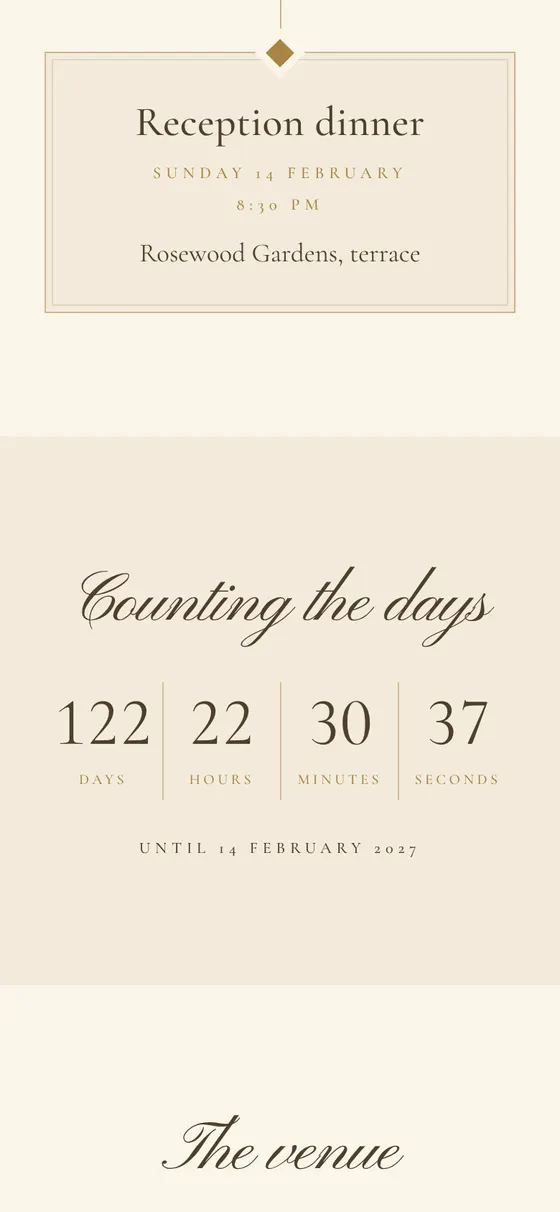
The countdown runs to the time of your main ceremony, in the time zone of the event.
Date, venue, directions and Add to Calendar are close by.
If you would rather not show it, turn it off in the editor.
It reads the date and time you enter for the main ceremony and counts down to it. After the event the countdown is no longer needed, and the invitation can be turned into a thank-you page.
Guests can open the venue in Maps and add the date to their calendar from the same page. Add several events if the celebration runs over more than one day.